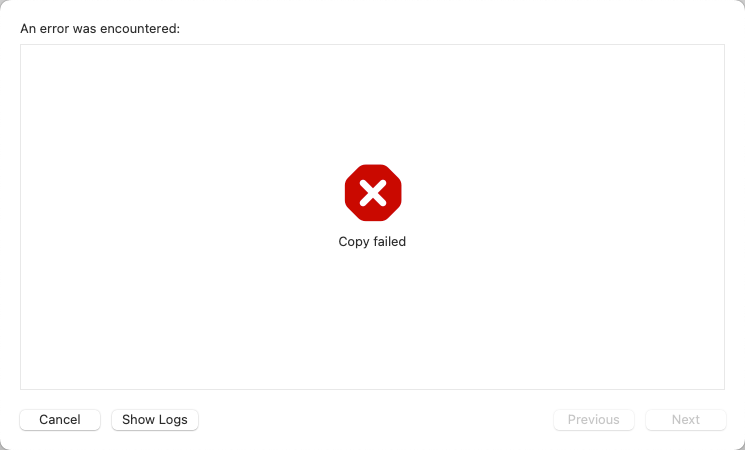
本周升级了macOS系统(Swquoia)和Xcode(xcode-select version 2409.),结果导致,通过XCode->Archive打包App提交Apple Store审核时上传失败,报错信息只有“Copy Failed”。
Distribute Appbao报错
图片如下:
经查看,日志中有关键告警:rsync
'/var/folders/66/x94m78f13zbghhgjdfvvp9jw0000gn/T/XcodeDistPipeline.~~~LGUpw2/Root'
2025-07-10 08:59:36 +0000  rsync: on remote machine: --extended-attributes: unknown option
2025-07-10 08:59:36 +0000  rsync error: syntax or usage error (code 1) at main.c(1802) [server=3.4.1]
2025-07-10 08:59:36 +0000  rsync(65818): error: unexpected end of file
2025-07-10 08:59:36 +0000  /usr/bin/rsync exited with 1
2025-07-10 08:59:36 +0000  Step "<IDEDistributionCreateIPAStep: 0x3a2d0e710>" failed with error "Error Domain=IDEFoundationErrorDomain Code=1 "Copy failed" UserInfo={NSLocalizedDescription=Copy failed}"
其中“rsync: on remote machine: –extended-attributes: unknown option”是关键信息。
手工执行了一下rsync命令,发现的确存在该问题。
rsync -avh --extended-attributes dev/ dev2/
rsync: --extended-attributes: unknown option
rsync error: syntax or usage error (code 1) at main.c(1802) [client=3.4.1]
rsync 的版本是 3.4.1,可能在该版本中存在与 –extended-attributes 选项不兼容的情况。
临时解决方案:卸载rsync
后来参考文章:https://stackoverflow.com/questions/79570135/xcode-16-on-macos-sequoia-cant-upload-build-copy-failed 得到解决。
brew remove rsync
Uninstalling /opt/homebrew/Cellar/rsync/3.4.1... (12 files, 1MB)
==> Autoremoving 2 unneeded formulae:
popt
xxhash
Uninstalling /opt/homebrew/Cellar/popt/1.19... (10 files, 190.6KB)
Uninstalling /opt/homebrew/Cellar/xxhash/0.8.3... (28 files, 543.9KB)
重新执行“Distribute App”,成功!
 见微知著 · TheSignalwise
留下评论